Premium Star Map
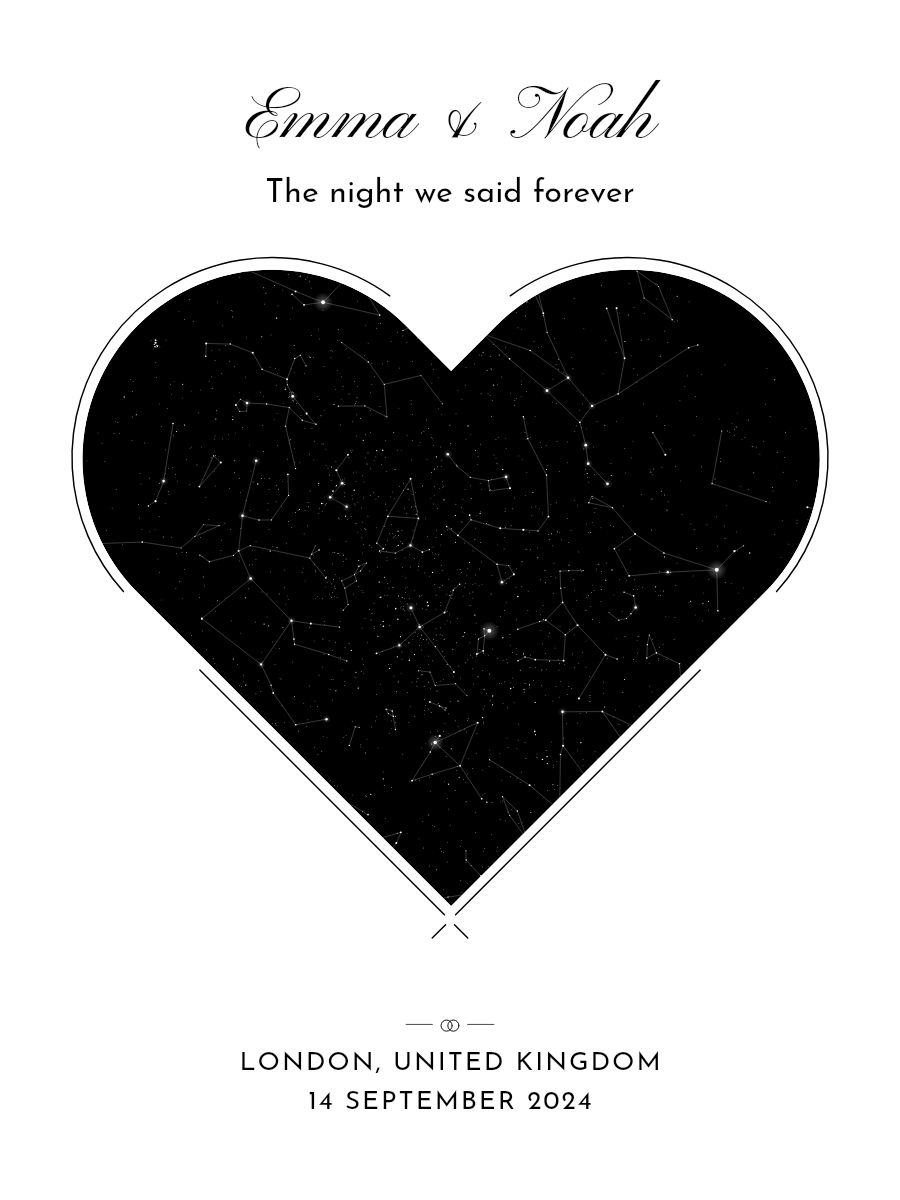
Forever Heart
A monochrome heart-shaped sky with your names and a wedding dedication.
Use this designStart with a composed design and make its sky your own. Premium Star Map combines your selected place, date, and time with a choice of visual styles, from dramatic photographic artwork to restrained light and dark layouts.
Digital files only. No physical poster is shipped. Printing and frames are not included.
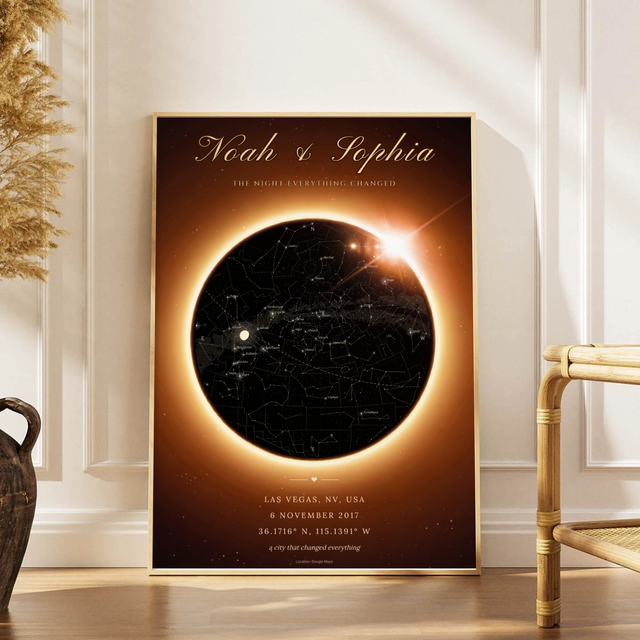
Premium is for people who want a strong starting design. Compare ten compositions: Galaxy, Eclipse, Moon, Split, White, Black, Atlas Cream, Atlas Black, and two Heart designs. Each gives the star map a different setting while keeping your chosen moment at the heart of the artwork.
The selected place, date, and time drive the star map. Photographic backgrounds add atmosphere; they are decorative artwork, not photographs captured at your event. Premium’s Moon composition contains a star map and is separate from the Moon Phase Poster.
Begin with the composition you like, then work on the sky, words, and their placement. The available controls follow that design rather than offering every option from the flexible Star Map Poster.
Open Studio, choose your details, and explore the preview for free. Check the words, layout, and size before saving.
A successful new paid save uses 1 credit once the required files are ready. A changed design can need another credit. Saving the same artwork you already own can reuse its files.
Download the available files from your saved design without spending another credit. Keep a local copy, then print at home or use a print service.
Choose from the paper presets, including the square option, or phone wallpaper. Non-square Premium designs stay portrait. Review the text and artwork after changing the paper proportions.
Paper presets: A5, A4, A3, A2, A1; 30 × 40, 40 × 50, 50 × 70, and 30 × 30 cm; 5 × 7, 8 × 10, 11 × 14, 12 × 16, 12 × 18, 16 × 20, 18 × 24, 20 × 30, and 24 × 36 in.
Phone wallpaper is 1179 × 2556 px. It stays portrait and does not include a PDF.
PNG, JPG, and SVG; PDF for paper sizes. No transparent-background option.
Photographic artwork remains image-based within the files, so a larger SVG does not create extra photographic detail. Check the saved dimensions and preview at your intended print size before choosing paper and a frame.
Start with one of these editable designs, then add your own details in Studio.
A monochrome heart-shaped sky with your names and a wedding dedication.
Use this design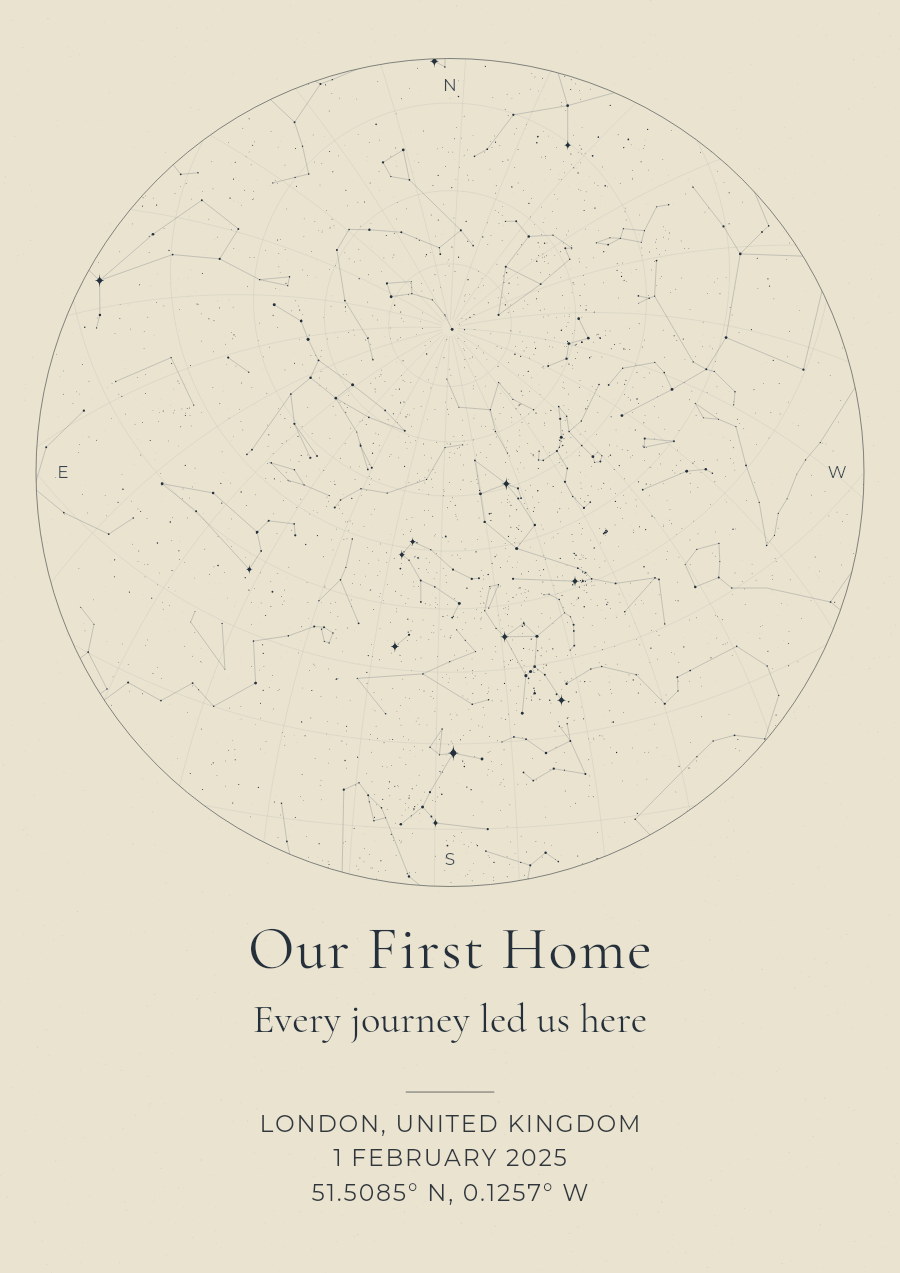
A cream atlas-style sky chart and coordinates to remember your first home.
Use this designThe current packs below buy credits for Studio. They are shared across all six products. A pack price pays for that pack, not for a separate physical poster or a single design at its per-credit rate.
1credit
$5
$5.00 per saved poster
Get 1 credit10credits
$25
$2.50 per saved poster
Get 10 credits50credits
$50
$1.00 per saved poster
Get 50 creditsThese packs are available through Gumroad. Follow the checkout instructions to add your credits, then save your design in the studio.
You can use guest checkout. Guest sessions last 6 hours; files can be removed after 7 days. Guest delivery allows 3 completed downloads per format, with a 15-minute retry window. Save your files locally. Unused credits remain available.
Anything else? Get in touch.
Premium starts with ten composed designs and their own controls. Star Map Poster offers more freedom to change shapes, layouts, themes, uploaded photos, and a song-link QR.
No. All six products use the same credit system. A successful new paid save uses 1 credit, with the current packs shown on this page.
Premium uses its own design artwork and does not expose the customer-photo controls. Choose Star Map Poster if an uploaded photograph is central to your idea.
Premium Moon is a star-map composition with decorative lunar artwork. Choose the separate Moon Phase Poster when you want the calculated lunar phase to be the main image.
Compare the artwork and customisation before you begin. Each product opens its own editor in Studio and uses the same credit system.
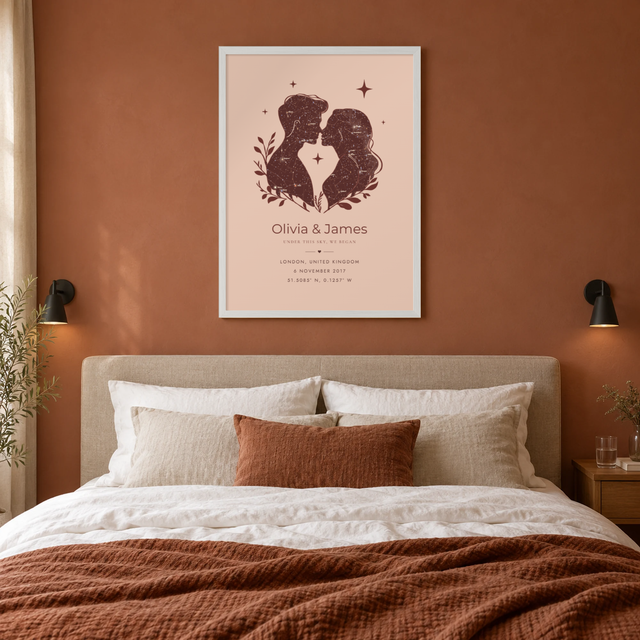
Give a meaningful place and time a place on your wall. Build a star map poster around the sky, then add names, a message, and the details you want to remember. Start with one moment or bring two skies together.
Explore Star Map Poster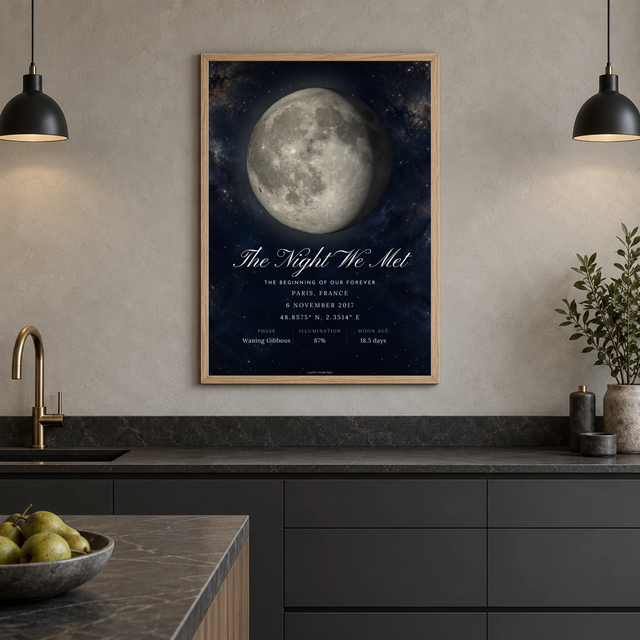
Remember a night through the shape of its Moon. Choose a date, time, and place, then pair the calculated lunar phase with your own words. Adjust the colours and background to make a quiet, personal centrepiece.
Explore Moon Phase Poster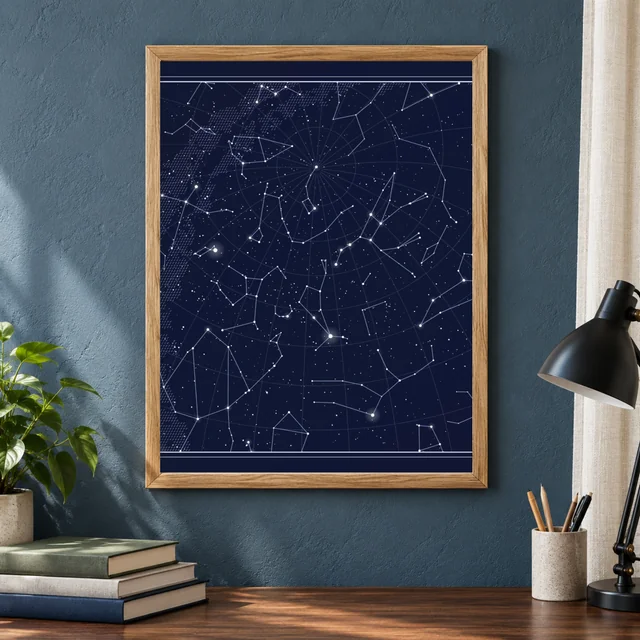
Create the sky itself without a personal poster-text composition around it. Choose a place, date, and time, adjust the map’s layers and colours, and save a standalone chart for a print or another design project.
Explore Transparent Star Map / SVGExplore the Premium designs in Studio, enter your moment, and try your words in the layout. Save when the combination is ready.
Design your Premium Star MapDigital files only. No physical poster is shipped. Printing and frames are not included.