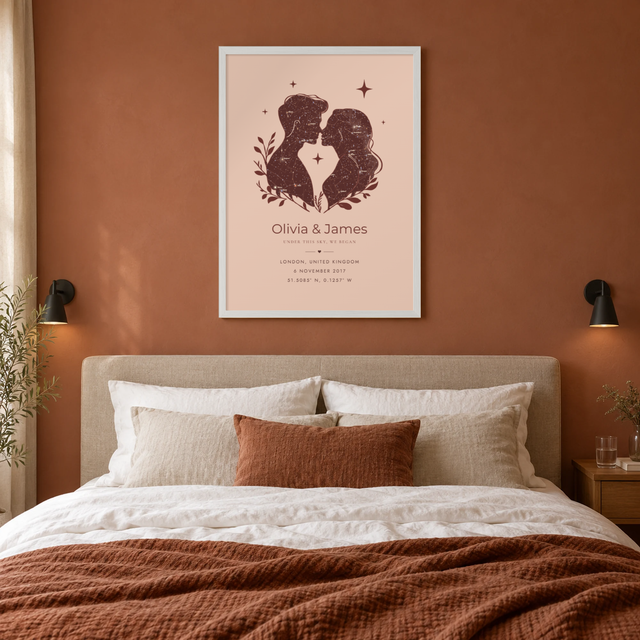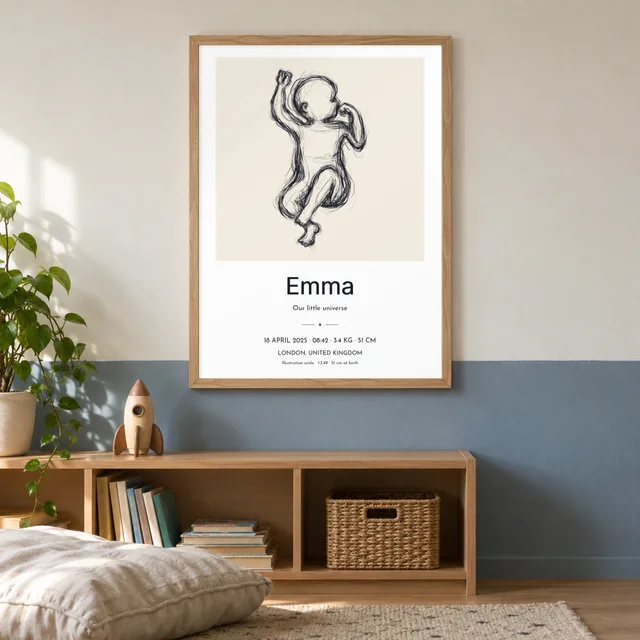
Birth Poster
For an illustration or photo alongside the name and the arrival details you choose to include.
Explore this product Birth PosterTheir name. The date they arrived. A photograph or an illustration. Bring the details the family wants to share into a birth poster made in Studio.
Digital files only. No physical poster is shipped. Printing and frames are not included.
A new-baby gift can be a simple record of an arrival. Ask the parents which name and details they would like included, then choose a predefined baby illustration or use a photograph you have permission to use.
For an illustration or photo alongside the name and the arrival details you choose to include.
Explore this product Birth PosterFor a sky calculated from the entered place, date, and time, with a personal title and message.
Explore this product Star Map PosterPreview images are examples. Words printed inside an example image do not change with the page language. Review your own artwork in Studio before saving.
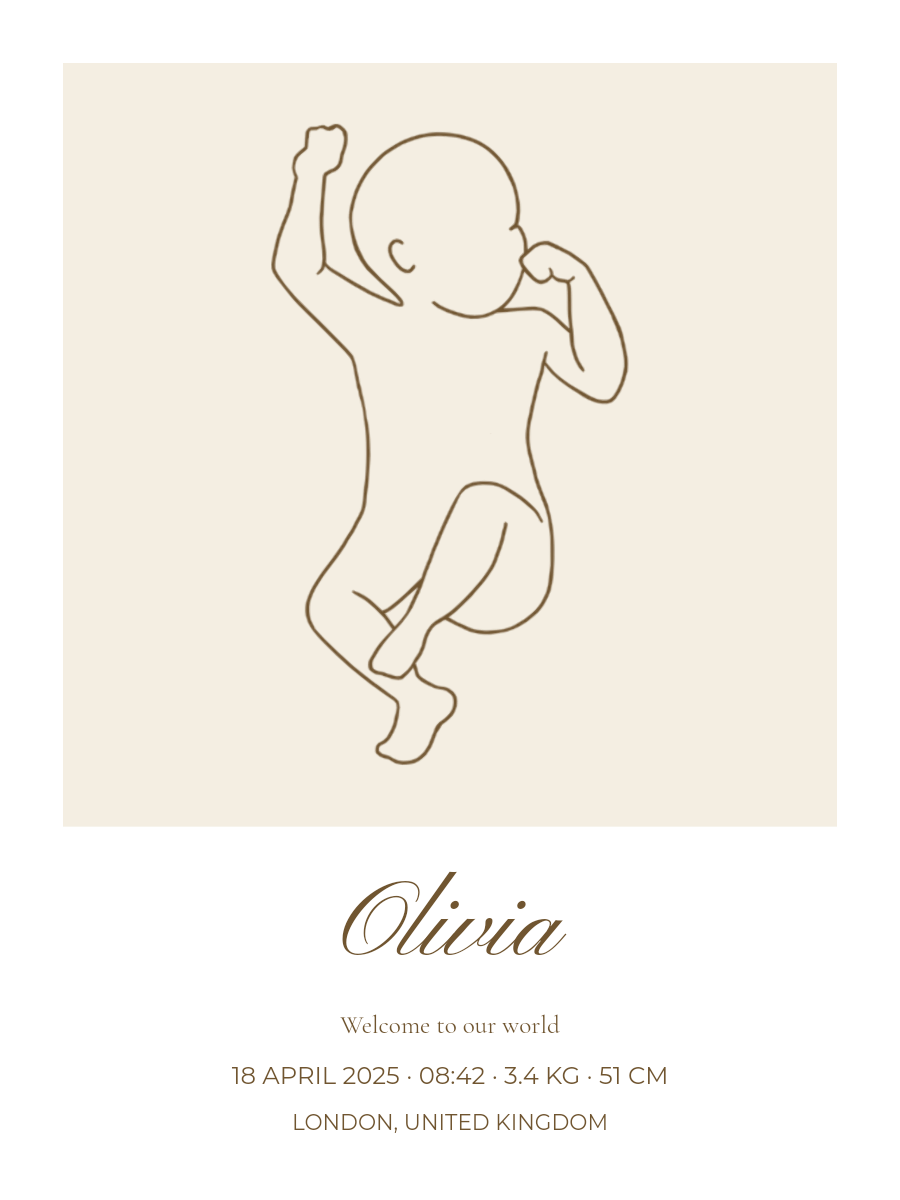
Compare the Welcome Little One and Modern Little Wonder designs. Their sample names and details are editable in Studio.
A line illustration in a cream panel, with a baby’s name and birth details.
Use this design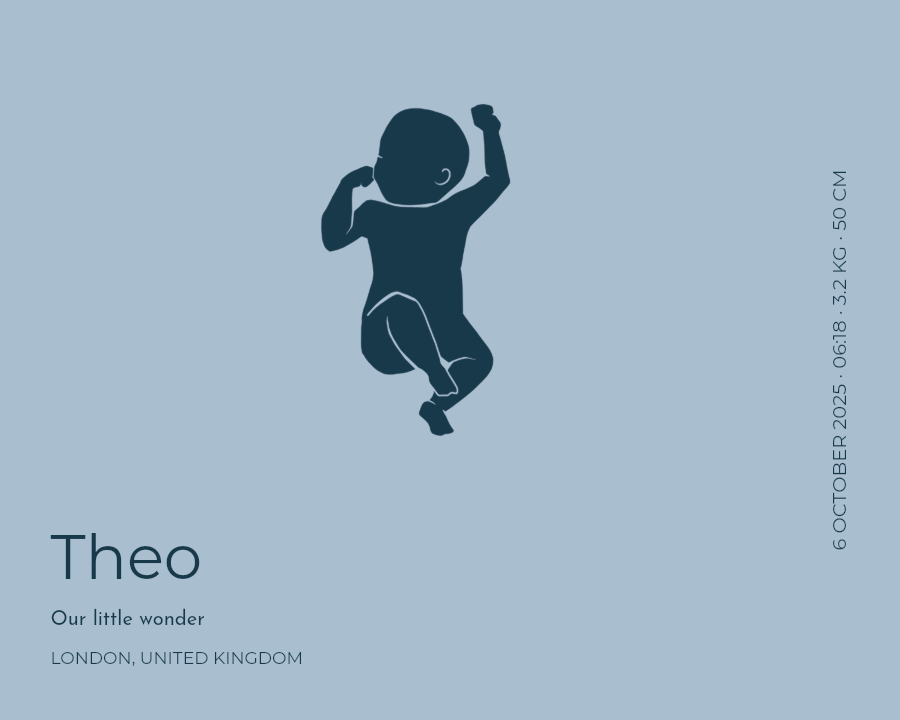
A blue landscape layout with a baby silhouette and birth details along the side.
Use this designNames and dates shown are fictional examples. Automatic artwork dates keep the existing Studio format.
Choose a starting designOpen Studio, choose your details, and explore the preview for free. Check the words, layout, and size before saving.
A successful new paid save uses 1 credit once the required files are ready. A changed design can need another credit. Saving the same artwork you already own can reuse its files.
Download the available files from your saved design without spending another credit. Keep a local copy, then print at home or use a print service.
The current packs below buy credits for Studio. They are shared across all six products. A pack price pays for that pack, not for a separate physical poster or a single design at its per-credit rate.
1credit
$5
$5.00 per saved poster
Get 1 credit10credits
$25
$2.50 per saved poster
Get 10 credits50credits
$50
$1.00 per saved poster
Get 50 creditsThese packs are available through Gumroad. Follow the checkout instructions to add your credits, then save your design in the studio.
You can use guest checkout. Guest sessions last 6 hours; files can be removed after 7 days. Guest delivery allows 3 completed downloads per format, with a 15-minute retry window. Save your files locally. Unused credits remain available.
Anything else? Get in touch.
No. Weight, length, and birthplace are optional, and you can hide the time. Confirm the name and date with the parents before finishing the gift.
The illustration styles use predefined baby artwork. Choose the Photo option if you would like to use an actual photograph instead.
No. Atlas provides digital files. You arrange any printing and framing separately.
Choose the information the family wants to remember, then explore a birth-poster layout in Studio.
Create a birth keepsakeDigital files only. No physical poster is shipped. Printing and frames are not included.