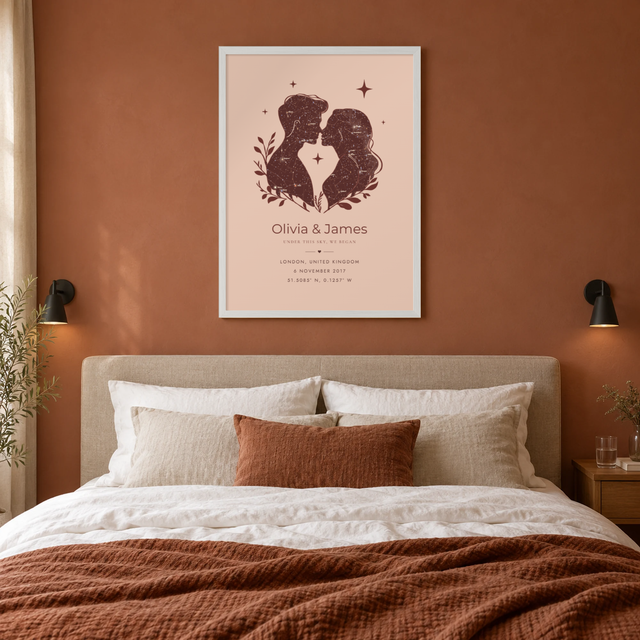
Remember your first date, a wedding or another shared night with its sky, names and a personal message.
Explore Star map posterCreate a star map posterThe night you met. A new arrival. A date that belongs to them. Turn a meaningful moment into a star map or personalized poster this Christmas.
Digital poster files. You arrange the printing and gifting.
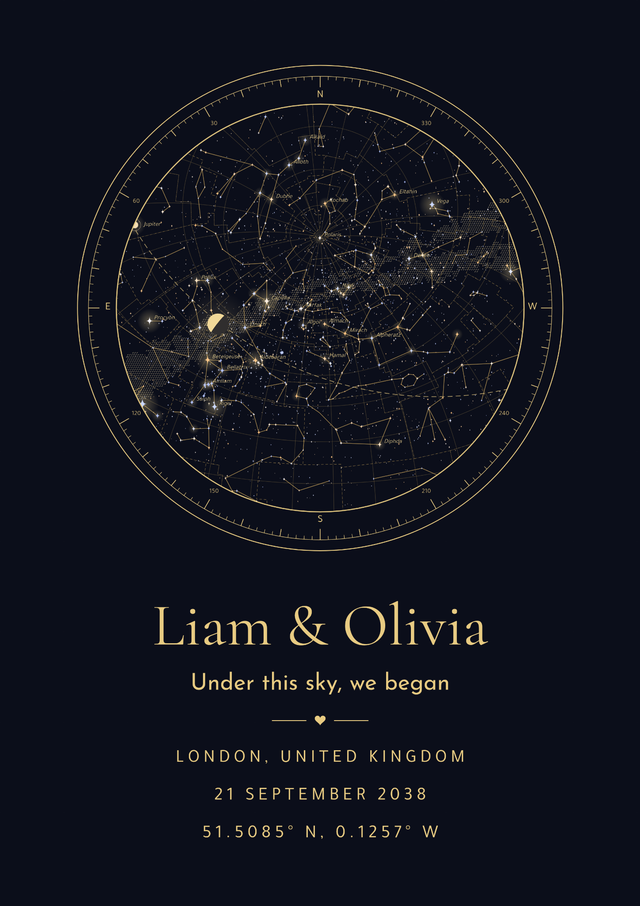
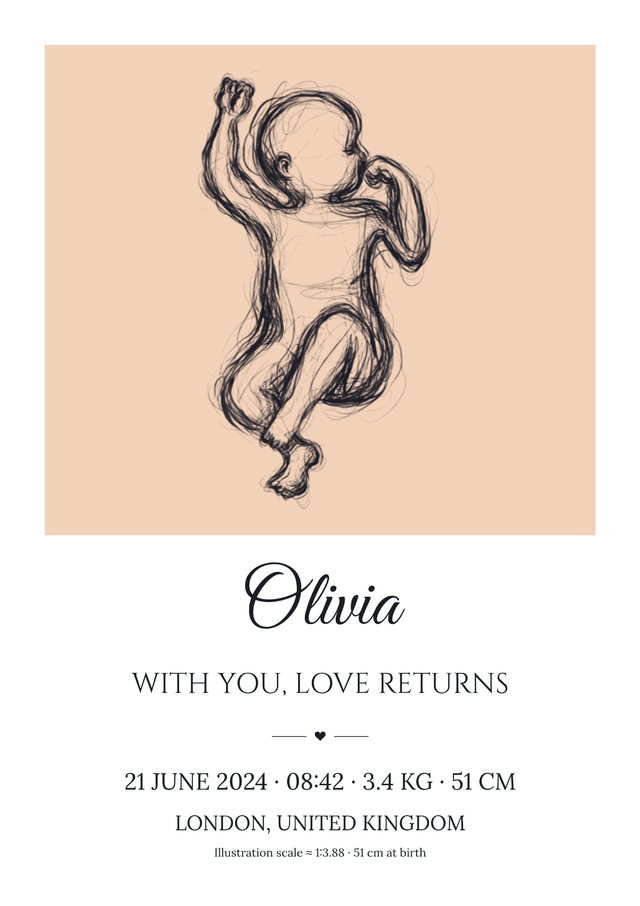
Choose from the existing Studio editors. Each one offers its own way to make a personal Christmas gift.
Remember your first date, a wedding or another shared night with its sky, names and a personal message.
Explore Star map posterCreate a star map poster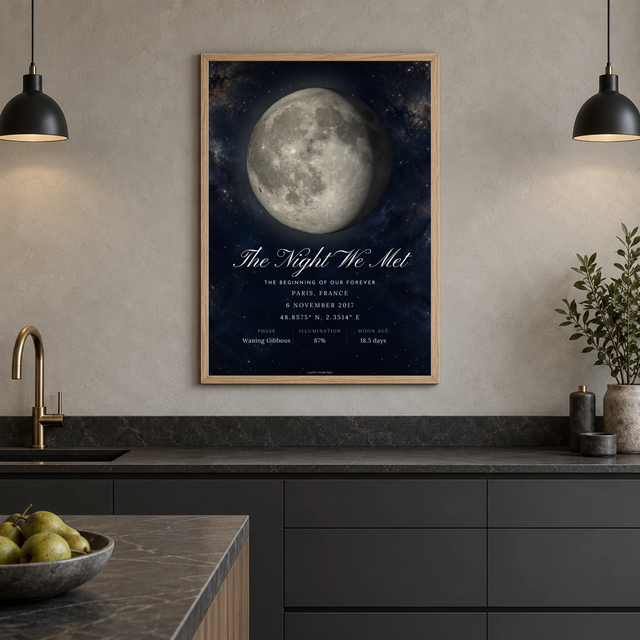
Celebrate a meaningful date with a Moon poster and your own words. A thoughtful way to mark a Christmas together.
Explore Moon map posterCreate a Moon poster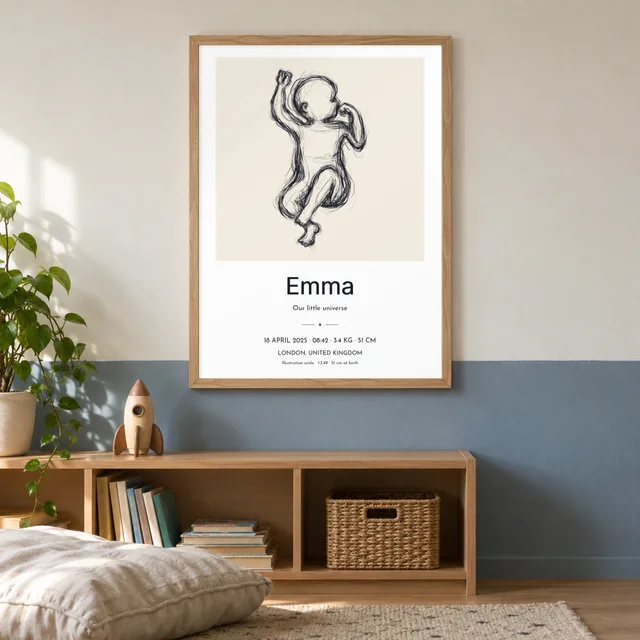
Mark a baby's first Christmas with a poster built around their name and birth details.
Explore Birth posterCreate a birth poster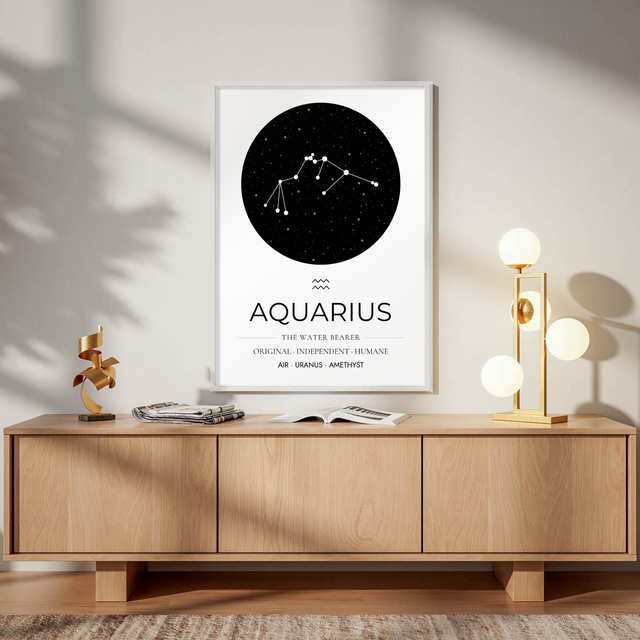
Create a zodiac-themed gift from their birth details, with the personalization choices shown in the editor.
Explore Zodiac posterCreate a zodiac poster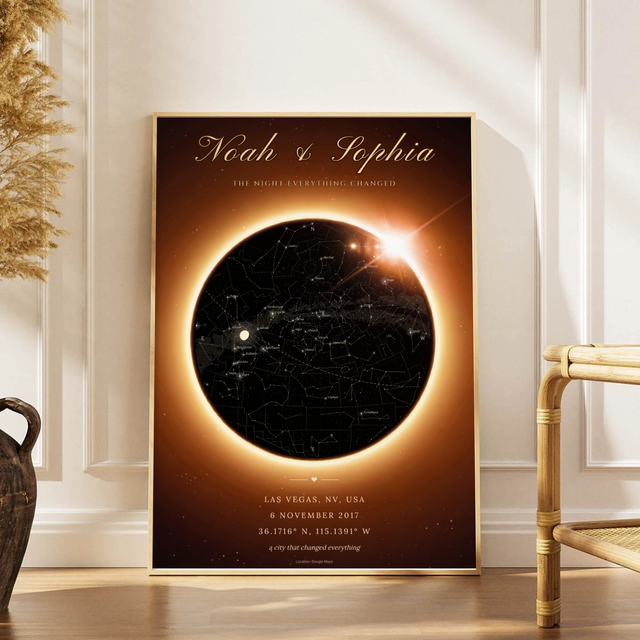
Choose a Premium design, then make it personal with the moment and text. Each design keeps its own visual style.
Explore Premium posterExplore Premium designs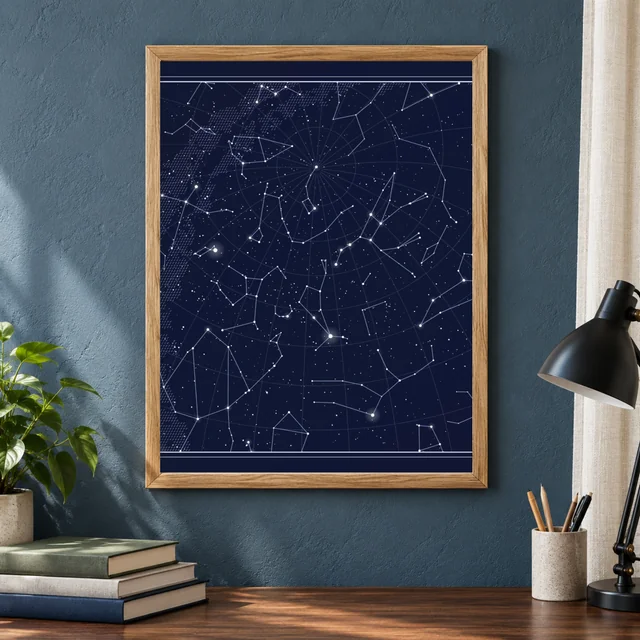
For someone who loves the sky: create a star map for a place, date and time that matter to them.
Explore Star mapCreate a star mapFrames are mockups for inspiration. No physical poster or frame is included.
The available options depend on the poster type. The Studio shows the choices for the design you select.
Design and preview first. Purchase credits when you are ready to save a finished poster.
Open a Studio editor, enter the details and personalize the design. Trying the editor and previewing your poster are free.
Use your available credits or purchased activation key. A successful new poster save normally uses one credit; reusing an identical saved design does not use another.
When the saved files are ready, choose an available format. Then arrange printing yourself and add your own finishing touches.
Print at home or use a print shop. Choose your frame, add a note and wrap the finished gift in your own way.
Pick an available size in the Studio and check that it matches your paper or frame. Ask your print shop about paper, color and file requirements.
Available files can include PNG, JPG, PDF and SVG, depending on the product and settings. Transparent designs do not include JPG, and phone wallpaper does not include PDF.
Atlas Star Studio supplies digital files. Printing, frames and physical delivery are not included; check your printer's Christmas turnaround before ordering a print.
Preview for free. Choose a credit pack for saving your finished designs. Prices below are in USD; the payment page confirms your selected offer.
1credit
$5
$5.00 per saved poster
Get 1 credit10credits
$25
$2.50 per saved poster
Get 10 credits50credits
$50
$1.00 per saved poster
Get 50 creditsThese packs are available through Gumroad. Follow the checkout instructions to add your credits, then save your design in the studio.
Already have a key? Open the studio.
Anything else? Get in touch.
No. You receive digital poster files after a successful save. Arrange printing and framing yourself. Frames and room scenes on this page are mockups.
Yes. You can use the editors and preview your design for free. Saving a new finished poster through the paid flow normally uses one credit.
Credits are used for a successful new poster save, not each file download. Access and retry limits depend on how you saved; follow the download instructions shown in the Studio.
Formats depend on your product and settings. The Studio can provide PNG, JPG, PDF and SVG, but not every configuration includes all four. Transparent designs omit JPG; phone wallpaper omits PDF. Check the available files after saving.
You can design online and download files once your save finishes. File preparation can take time, and printing is separate. Check your printer's availability rather than relying on a guaranteed delivery time.
The Studio supports saving with a purchased activation key without an account. Guest access and download retries are limited. Follow the account option in the Studio if you want your posters associated with an account.
Review the place, date, time, spelling, preview and chosen size. Saving a different finished design can use another credit, so make your changes before the final save.
Start with a date, a name or a few words. Your Christmas poster begins in the Studio.
Create a Christmas posterFree to design and preview. Digital files; printing is up to you.