Birth Poster
Welcome, Little One
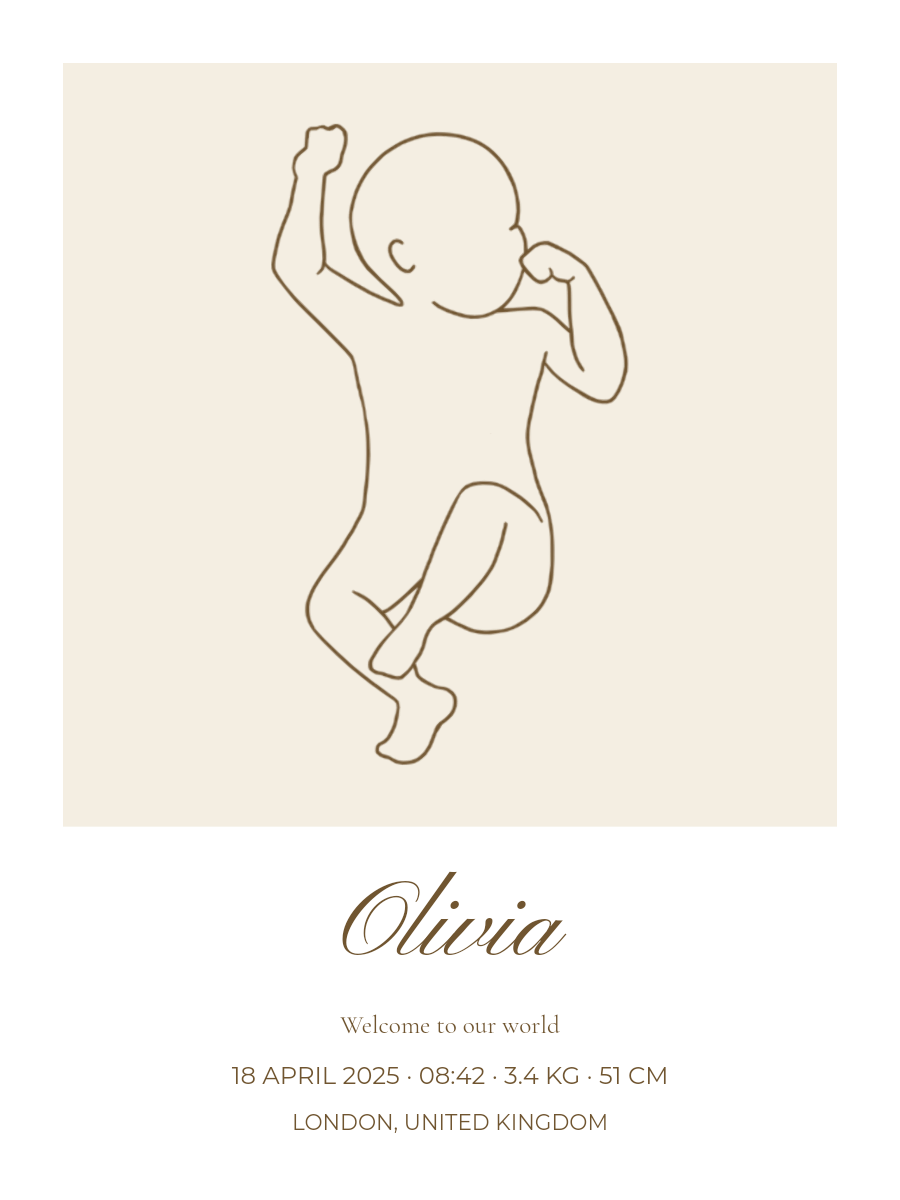
A line illustration in a cream panel, with a baby’s name and birth details.
Use this designBring a name, a birthday, and the details of an arrival into one keepsake. Choose a baby illustration or your own photograph, then shape the words, colors, and layout around the story you want to tell.
Digital files only. No physical poster is shipped. Printing and frames are not included.
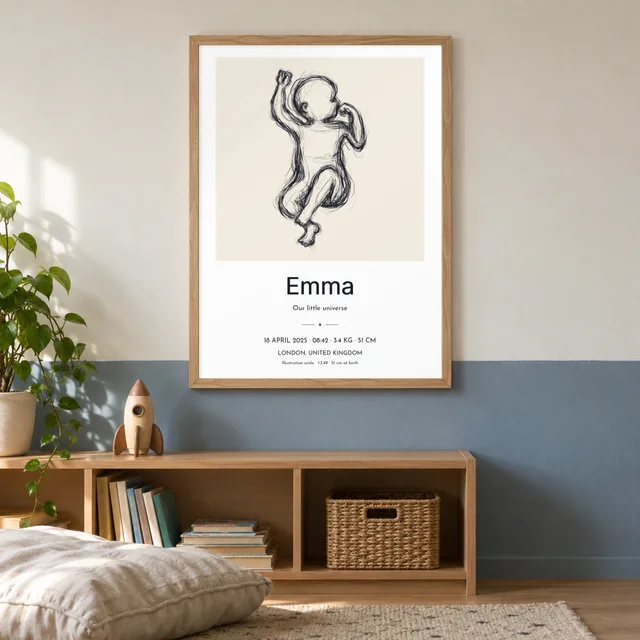
A birth poster brings the baby’s name and arrival details together in a design you can print for a nursery or give to family. Include the date and, if you wish, the time, weight, length, and birthplace. Leave optional details out when a simpler composition feels right.
This editor focuses on an illustration or photo and the facts you enter. It does not calculate a birth sky. For a sky based on a place, date, and time, explore the Star Map Poster instead.
Compare the illustration styles and photo option before choosing a layout. The preview shows how the artwork, name, and details share the available space.
Open Studio, choose your details, and explore the preview for free. Check the words, layout, and size before saving.
A successful new paid save uses 1 credit once the required files are ready. A changed design can need another credit. Saving the same artwork you already own can reuse its files.
Download the available files from your saved design without spending another credit. Keep a local copy, then print at home or use a print service.
Paper presets support portrait and landscape. Phone wallpaper stays portrait. Pick the size before finishing the design so you can check the balance between the illustration and the words.
Paper presets: A5, A4, A3, A2, A1; 30 × 40, 40 × 50, 50 × 70, and 30 × 30 cm; 5 × 7, 8 × 10, 11 × 14, 12 × 16, 12 × 18, 16 × 20, 18 × 24, 20 × 30, and 24 × 36 in.
Phone wallpaper is 1179 × 2556 px. It stays portrait and does not include a PDF.
PNG, JPG, and SVG; PDF for paper sizes. No transparent-background option.
Illustration elements can remain vector shapes in SVG and PDF, while uploaded photos remain images. Print at the intended paper size and check printer scaling if you want the illustration-scale note to remain meaningful.
Start with one of these editable designs, then add your own details in Studio.
A line illustration in a cream panel, with a baby’s name and birth details.
Use this design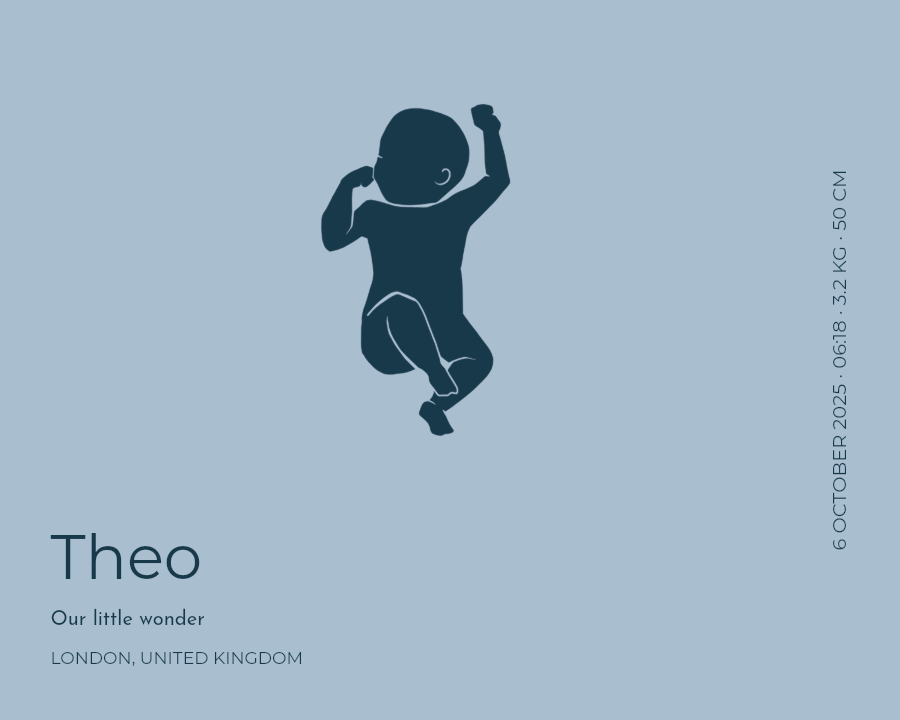
A blue landscape layout with a baby silhouette and birth details along the side.
Use this designThe current packs below buy credits for Studio. They are shared across all six products. A pack price pays for that pack, not for a separate physical poster or a single design at its per-credit rate.
1credit
$5
$5.00 per saved poster
Get 1 credit10credits
$25
$2.50 per saved poster
Get 10 credits50credits
$50
$1.00 per saved poster
Get 50 creditsThese packs are available through Gumroad. Follow the checkout instructions to add your credits, then save your design in the studio.
You can use guest checkout. Guest sessions last 6 hours; files can be removed after 7 days. Guest delivery allows 3 completed downloads per format, with a 15-minute retry window. Save your files locally. Unused credits remain available.
Anything else? Get in touch.
No. Leave either value empty to hide it. Birthplace is optional too, and you can hide the time while keeping the birth date.
The illustration styles use predefined artwork. They are not generated from your child’s appearance. Choose the Photo option if you want to use an actual picture.
Yes. Photo frames include rectangle, square, circle, heart, oval, and arch. Fit keeps the image within the frame; Fill crops it to cover the frame.
The final drawing depends on the entered length, paper size, text, and artwork scale. Review the scale note; smaller formats or fuller layouts can require a reduced illustration.
Compare the artwork and customization before you begin. Each product opens its own editor in Studio and uses the same credit system.
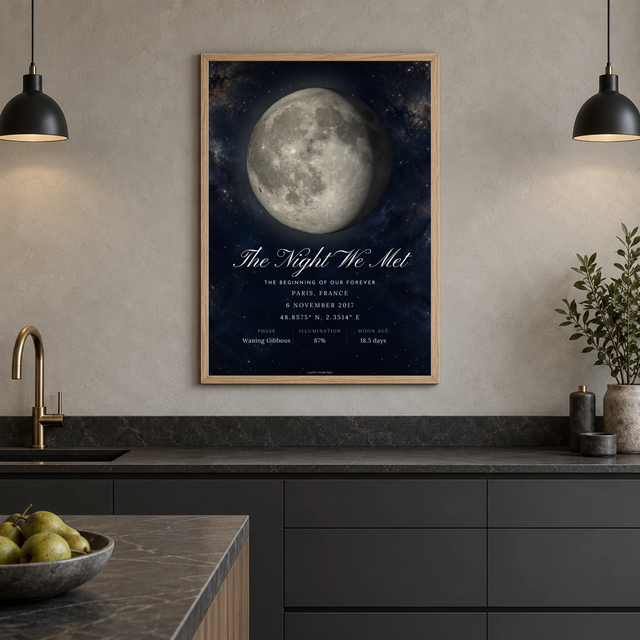
Remember a night through the shape of its Moon. Choose a date, time, and place, then pair the calculated lunar phase with your own words. Adjust the colors and background to make a quiet, personal centerpiece.
Explore Moon Phase Poster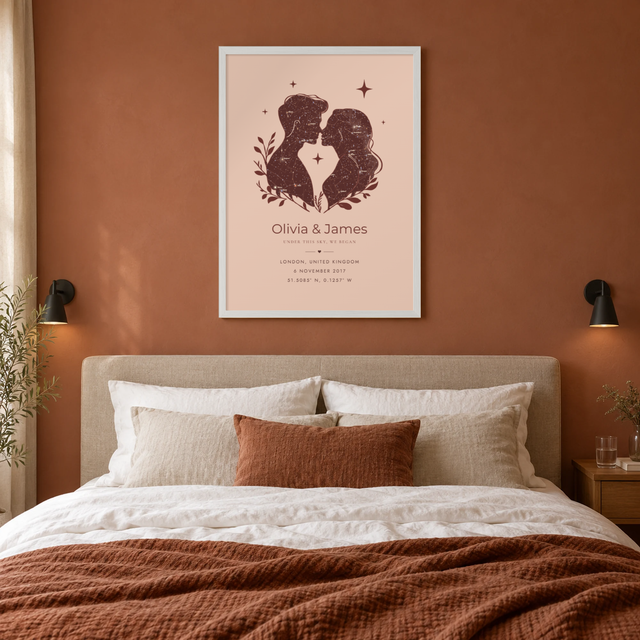
Give a meaningful place and time a place on your wall. Build a star map poster around the sky, then add names, a message, and the details you want to remember. Start with one moment or bring two skies together.
Explore Star Map Poster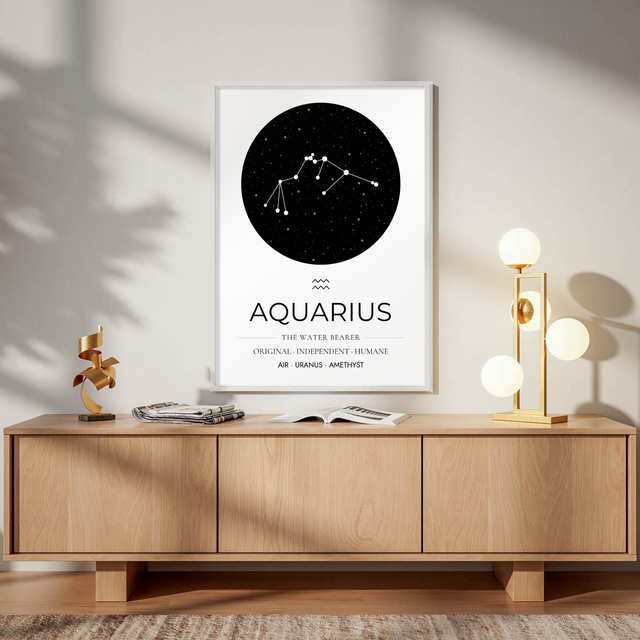
Choose a zodiac sign and turn its constellation into a personal design. Keep the suggested sign details, replace them with your own words, or pare the composition back to the artwork and a name.
Explore Zodiac PosterOpen Studio with the name and birth details ready. Compare an illustration with your own photo, then choose the layout you would like to keep.
Design your birth posterDigital files only. No physical poster is shipped. Printing and frames are not included.